Introducing ytimesy harness 1.0
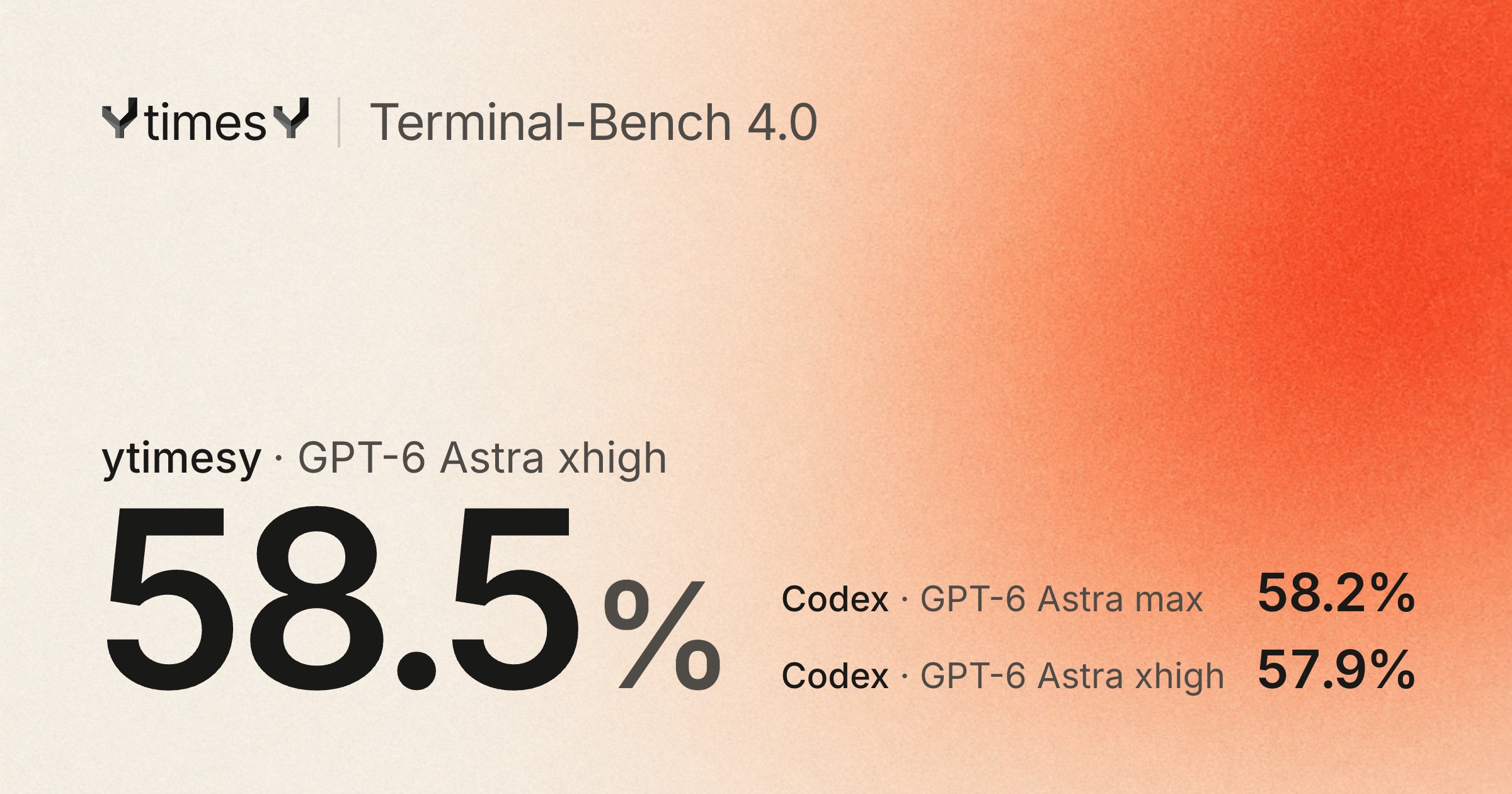
| GPT-6 Astrasame model in every column | ytimesyGPT-6 Astra xhigh | CodexGPT-6 Astra max | CodexGPT-6 Astra xhigh |
|---|---|---|---|
| Score | 58.5%47.9–68.8 | 58.2%47.6–68.5 | 57.9%47.3–68.2 |
| vs ytimesy | — | −0.3−6.1 to +4.8 | −0.6−6.4 to +5.5 |
| Tasks solved at least once | 49 of 66 | 47 of 66 | 46 of 66 |
| Cost per attempt | $7.47 | $9.90 | $7.12 |
| Total cost | $2,466 | $3,267 | $2,351 |
| Input tokens per attempt | 3.34M | 4.56M | 3.60M |
| Output tokens per attempt | 48k | 73k | 45k |
| Time per attempt | 33.2 min* | 43.4 min | 33.3 min |
| Harbor job | 6aacc762 | 0f01715e | caf6e433 |
* Converted to OpenAI speed, so all three columns are timed on the same API. Each of our model calls is timed at the mean latency OpenAI’s API gave Codex’s 16,279 calls of similar output size, plus our measured tool time; applied to Codex’s own calls, this conversion lands within 7% of their measured model time. Codex times are measured from their trajectories. We ran on Amazon Bedrock, where our attempts took 25.2 minutes. The difference from Codex with GPT-6 Astra at xhigh is within noise, so no value in this row is underlined.
The harness
One lead agent, its tools, subagents that work on their own copies of the code, commands that keep running in the background, and a check before it finishes.
The lead agent
Every task has one lead agent. It reads the task and a short report on the machine it runs on, keeps a plan for long work, does the work itself, brings in subagents when parts of the task can run on their own, reviews and applies what they send back, and decides when the task is done.
It has eleven tools, the same for every model. Anything more specific, such as the browser or the background-command controls, is a command on the machine, described in one line of the instructions, rather than another tool. Long builds, test suites and experiments run in the background: bash starts them, the lead keeps working, and it is told when each one finishes.
bash.Code mode
Most steps need several things at once: a few files, the state of the machine, the output of a test. With run_code the lead writes a short JavaScript program that calls its other tools, runs the independent ones in parallel with Promise.all, and returns only what it needs. A failed call comes back as an error value instead of stopping the program, so one missing file does not sink the rest. One model call does the work of several.
Subagents
When parts of a task can be done on their own, the lead starts subagents with agent and keeps working. A subagent sees only the lead's brief and works in the background; one that writes code does it on its own git worktree, and the lead reviews and applies its work. The lead collects their reports with agent_wait and can stop or re-brief them with agent_send.
The clean-copy check
Before finishing, the lead can run ytimesy-check. It copies only what is delivered, the Git-tracked files and declared outputs, into a clean environment and runs the documented command there.
It catches work that runs on the agent's machine but breaks for the next person: a file never committed, a dependency never declared, or state that exists only in the workspace.
AI Software Engineer in the Cloud
- 1Terminal-Bench, tbench.ai. Version 4.0, 66 tasks; Codex scores from the official leaderboard on Harbor Hub.
- 2Codex, GPT-6 Astra xhigh, Terminal-Bench 4.0. Harbor Hub job caf6e433.
- 3Codex, GPT-6 Astra max, Terminal-Bench 4.0. Harbor Hub job 0f01715e.
- 4ytimesy, GPT-6 Astra xhigh, Terminal-Bench 4.0. Run October 29 to November 1, 2026. Harbor Hub job 6aacc762.